Coming to Google Play

A field guide that admits what it can't tell you.

Point your camera at a stone, a crystal, or a piece of jewelry. RockLense gives you a likely match, the look-alikes it cannot rule out, and care information that has actually been checked.

See how it works Android first · iOS to follow
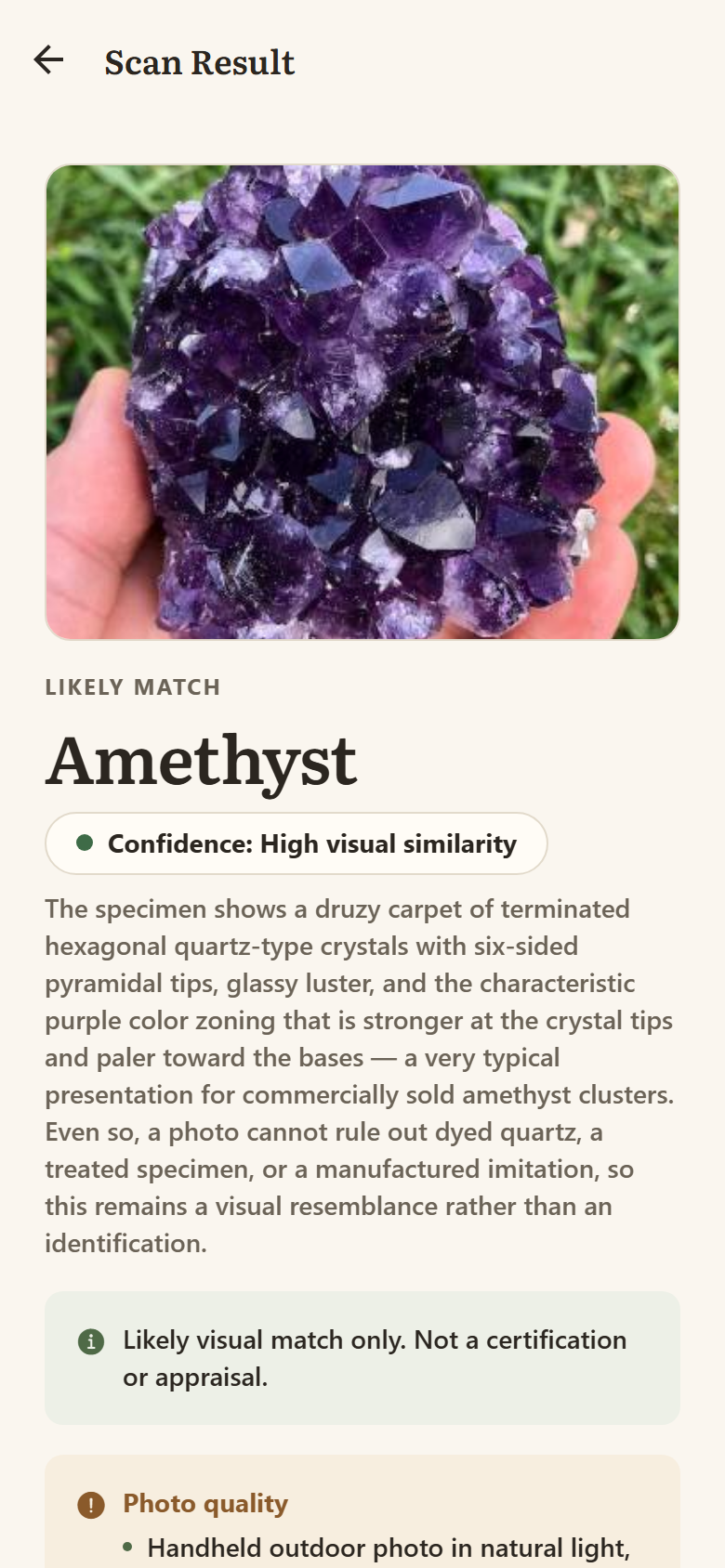
A RockLense scan result identifying an amethyst cluster, showing a confidence level and the look-alikes it cannot rule out.

Most identifier apps tell you what you want to hear.

A photograph cannot separate natural stone from dyed, treated, synthetic, or imitation material. Glass, resin, lab-grown crystal, and coated specimens routinely look identical in a picture. Any app that answers with confidence is either guessing or lying.

RockLense answers with a likely match and then tells you, every single time, what that match might actually be instead.

“The purple colour zoning and hexagonal terminations are consistent with amethyst. Even so, a photo cannot rule out dyed quartz, a treated specimen, or a manufactured imitation, so this remains a visual resemblance rather than an identification.” An actual result, unedited
What it does

Three kinds of scan, one honest answer.

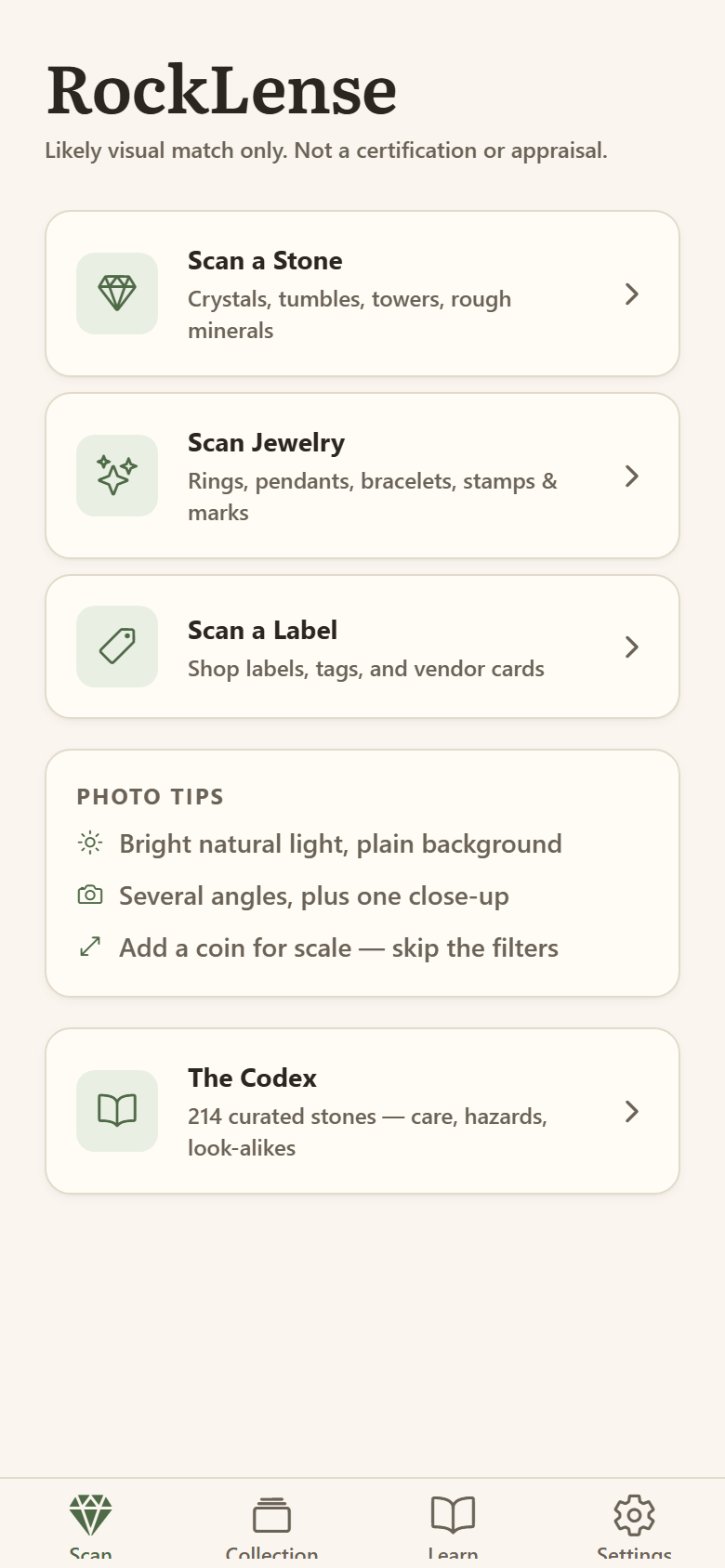
Add a single photo or several angles. Answer a few optional questions about colour, weight, or whether it scratches glass — they sharpen the result, and you can skip them.

Stones & crystals

Tumbles, towers, rough minerals, clusters, and cut specimens.

Jewelry

Rings, pendants, and bracelets — including hallmarks and maker's marks, read as claims rather than proof.

Shop labels

Photograph a vendor card and RockLense compares what the label claims against what the photo actually shows.

Care you can act on

The safety notes are written by a person.

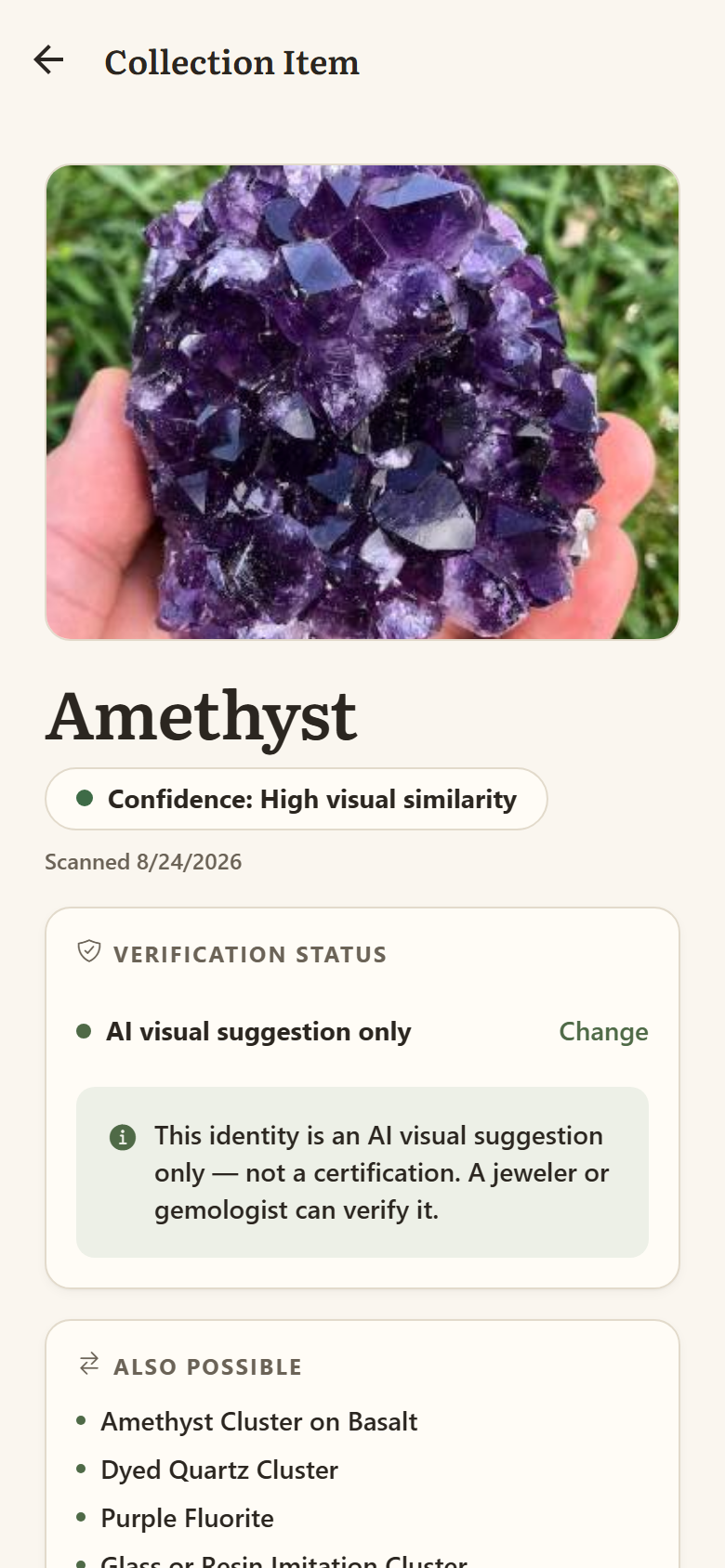
Whether something is safe in water, fades in sunlight, or dissolves in an ultrasonic cleaner comes from a curated database of over 200 stones — not from freeform AI output.

  • ·Water, sunlight, and cleaner safety for every matched stone
  • ·Explicit hazard warnings for material you should not cut, grind, or dry-brush
  • ·Look-alikes named on every result, so you know what to rule out

Getting care advice wrong ruins a specimen. Getting a hazard warning wrong is worse than that, which is why those particular sentences are not generated.

A saved collection item showing verification status and curated care information.
The RockLense home screen showing the three scan types and photo tips.

Private by default

Your collection never leaves your phone.

  • ·No sign-up. No name, no email, no account to create.
  • ·No tracking and no ads. There is no analytics or advertising code in the app at all.
  • ·Location is stripped from every photo on your device before it is sent.
  • ·Photos are not stored. They are analysed and discarded; your saved collection stays local.

Read the full privacy policy →

How it is paid for

Every scan is a real AI analysis, so scans use credits.

New users start with credits included — enough to work out whether the app is useful before spending anything. There is no subscription wall in front of the collection you have already built.

Get in touch

Business, press, and support.

Support

Something broken, a wrong result, or a stone the app should know about.

support@rocklense.com

Business & partnerships

Retailers, rock shops, museums, educators, and licensing enquiries.

hello@rocklense.com

Press

Screenshots, the app icon, and background on how the identification works.

hello@rocklense.com